Read a book on air
By the end of this page the station reads a chapter of Frankenstein every night at nine, in its own voice, and picks up where it left off the next night. The presenter introduces each chapter, and listeners' players show the chapter's title with the book's name beside it.
Readings explains how the station reads, and when it declines to.
You need a station on air with a voice, and the Analyzer plugin enabled: a chapter is spoken in several takes, and the analyzer joins them into one piece of audio. Without it the chapter never airs, and the reason only shows on the Readings tab.
1. Install a plugin that reads books
Nothing bundled with the station provides text to read. This page uses Vellichor books, a plugin from the community directory that reads EPUB books from an address you give it: Project Gutenberg, Standard Ebooks, a Calibre-Web server, or a file server of your own.
A community plugin is somebody else's code, and it runs with the station's own privileges once it is on. Listed there does not mean reviewed, so install only what you trust. Plugins says more.
- Download
deadair-plugin-vellichor-books-<version>.tgzfrom the plugin's releases page. - In the console, open Plugins, press Import, and choose the file.
- Enable Vellichor books.
2. Give it a book
- Open the plugin's settings.
- Under Books, add a row: Name
Frankenstein, and EPUB addresshttps://www.gutenberg.org/ebooks/84.epub3.images. - Press Test Connection. It answers with the number of chapters it found. If it says the book is not cached yet, wait a minute and press it again.
- Save.
Some books carry pages that are not chapters, such as a licence page, which would be read out like one. Once the form is saved, reopen it and tick them under Skipped sections. Chapters keep their numbers, so skipping one does not change the order.
Keep the shelf to a handful of books. The plugin stores each chapter separately, against a limit on what a plugin may store.
3. Add the book as a series
The station looks at what its narration plugins offer twice an hour. To have it look now, open Library → Readings and press Look for new pieces. Frankenstein's chapters appear there in a minute or two.
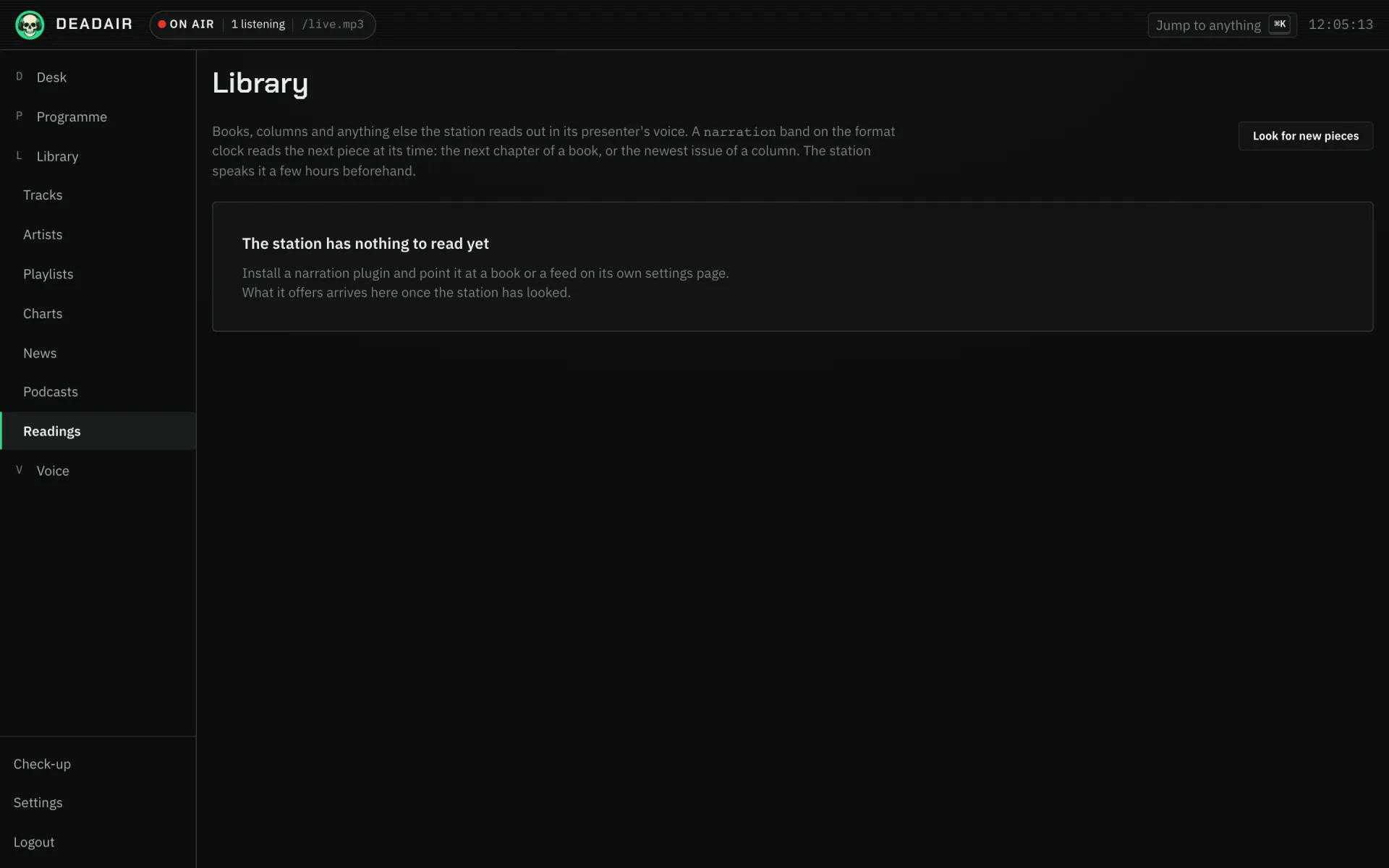 Fig. 1. Library → Readings before any book has arrived.
- Open Voice → Subjects and find the series section.
- Press New series.
- Under Series, pick the book from the list.
- Under Name, write what the presenter should call it on air:
Frankenstein, by Mary Shelley. - Save.
4. Put it on the clock
- Open Programme → Today and find Format clock.
- Press Add band. In New band, after Say a, write
narrationas the Sort of break. - Under How often, choose once a day at and set Time of day to
21:00. - Under About, pick the series you just made.
- Save.
A narration band has to name a series. Without one it does nothing, because "the next piece of
anything" would read chapter four of one book and then chapter one of another.
5. What happens next
Six hours before nine, the station starts speaking the next chapter, at a lower priority than everything the presenter needs. Library → Readings follows it from not read yet, through reading, to ready to air.
At nine, the band takes the first gap between records. The presenter introduces the chapter, and the station reads it whole. The station marks it read as it airs, so tomorrow is the next chapter. That mark is its place in the book.
The reader is the station's default host, whoever is presenting at nine. A chapter is spoken hours ahead, during whatever show is on then, so reading it in that show's voice would give each chapter a different reader.
To hear a chapter before nine, press Read it now on it in Library → Readings. It still airs at the band's time; this only speaks it sooner.
With Claude
With Claude connected and allowed to Read and manage (how), Claude can do steps 3 and 4 once the plugin has a book:
Add Frankenstein from the narration plugin as a series called "Frankenstein, by Mary Shelley", and put a narration band on the format clock about it, once a day at nine in the evening. Show me what you will create first.
If it goes wrong
- The series list is empty. The station has not looked yet. Press Look for new pieces on Library → Readings, and check that Test Connection in the plugin finds the book.
- Nine o'clock came and went with no reading. Open Library → Readings and look at the next chapter. It shows why: not spoken in time, a reading that failed (the station tries three times before it waits for you), or no analyzer to join the takes.
- It read a licence page or a table of contents. Tick it under Skipped sections in the plugin's settings.
- The reading started a few minutes after nine. A band waits for the record playing at its time to finish, so nothing is cut off.
- You want to start the book again. There is no way to rewind a series yet. Remove the series under Voice → Subjects and add it again.
Next
- Carry a podcast, for somebody else's audio rather than their text.
- Readings for columns, which read the newest issue rather than the next chapter.